Coordinating your team?Share this guide and your company’s exhibitor code with each person who needs to register.
How to register yourself
1. Log in
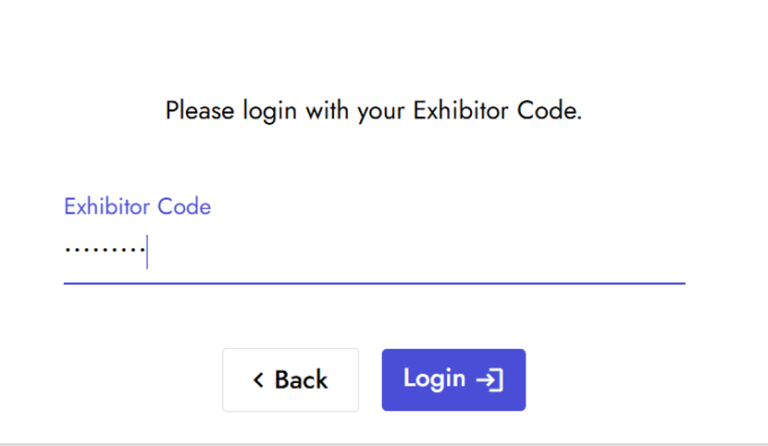
Enter your company’s Exhibitor Code and select Login.
2. Open registration
You’ll land on Company Details. Confirm you’re viewing the correct company, then select the Registration tab.
3. Enter your information
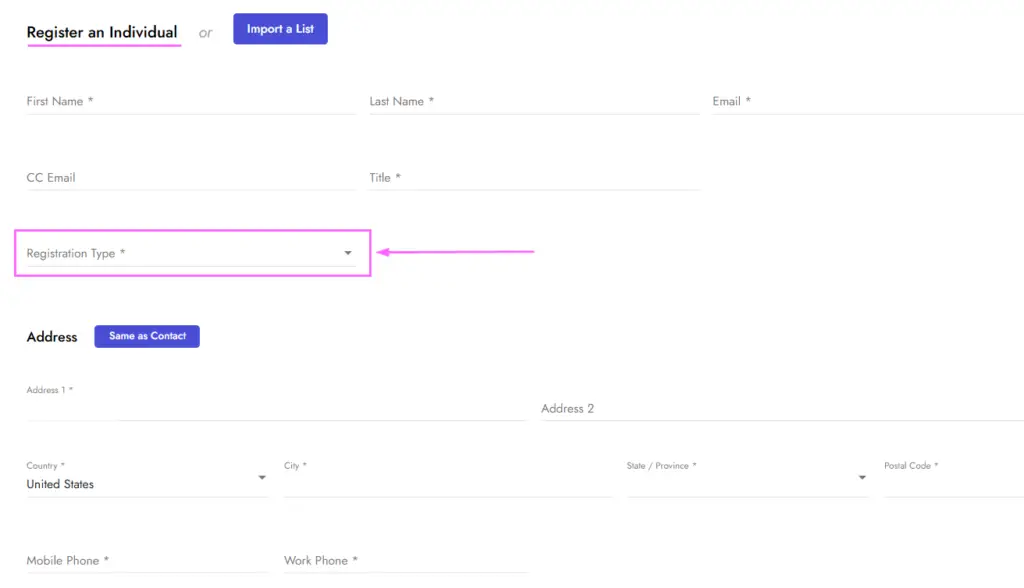
Under Register an Individual, enter your own name, email, title and required contact information. Review the prefilled address and select your Registration Type. Available allotments and fees appear on the left.
4. Choose your special events and add-ons
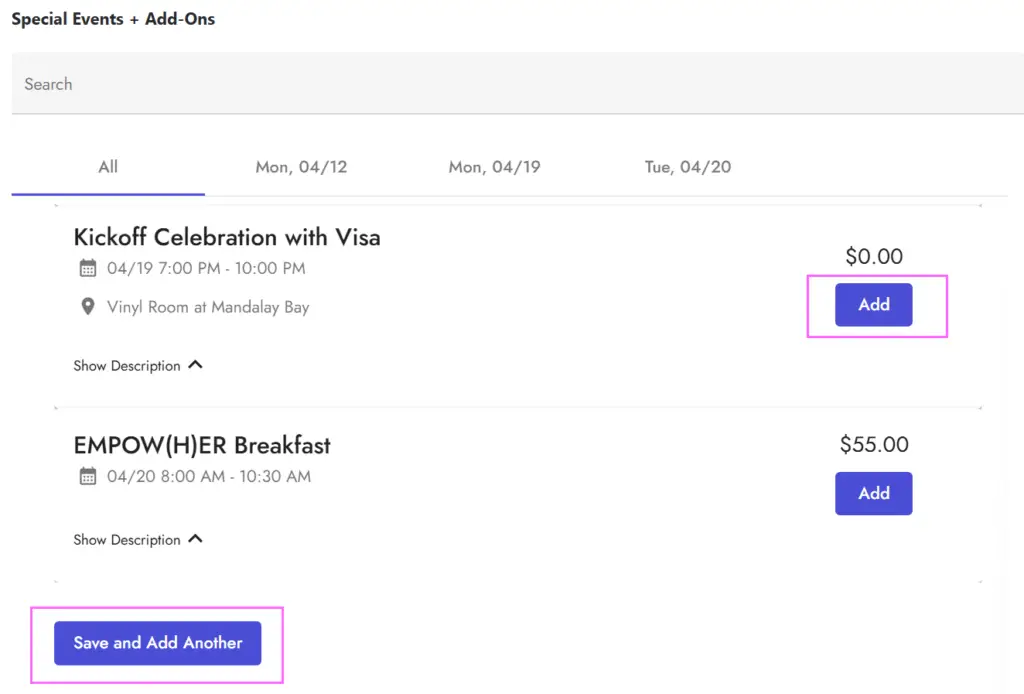
After selecting your Registration Type, scroll down to Special Events + Add-Ons. Review the available options and any fees, then select Add beside each item you’d like to include.
Be sure to select Add for any $0 events you plan to attend, too.
5. Save your registration
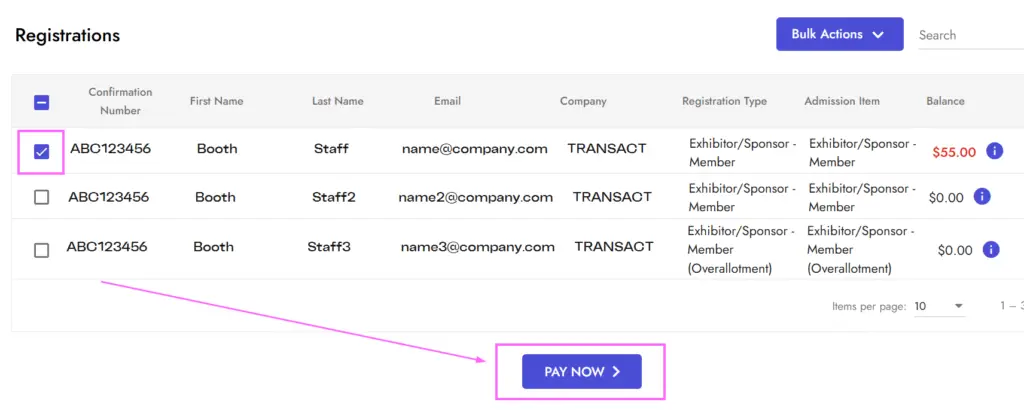
Select Save and Add Another, then look for your name in the Registrations list below.
6. Check your balance
Review the balance beside your name. If payment is required, select Pay Now. On the payment screen, select your registration and follow the payment prompts.
Managing your team?
Use the portal’s tabs to manage your company’s registrations:
Company Details: Review your primary contact and badge allotments.
Registration: View registered team members, add individuals or select Modify beside a registrant to access their registration.
Pay: Select registrations with outstanding balances and proceed to payment.
Invoice: View charges and download a PDF.
Receipts: View payment records.
Need help?
Missing your exhibitor code? Check with your company’s primary TRANSACT contact.